Wednesday, 9 November 2011

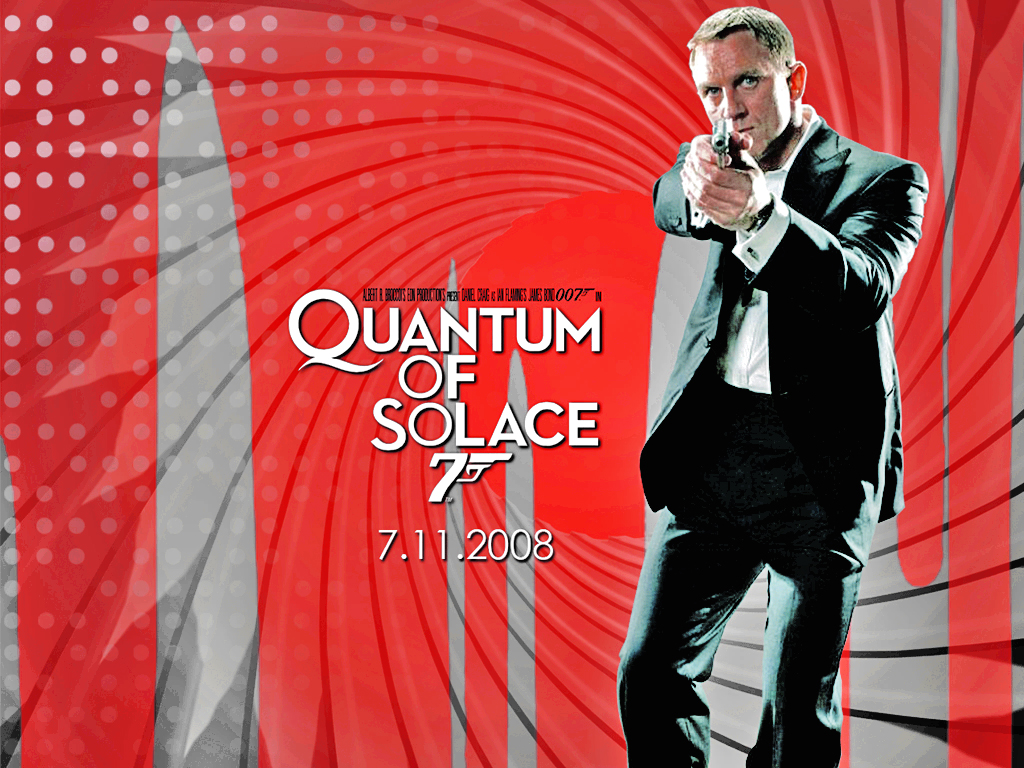
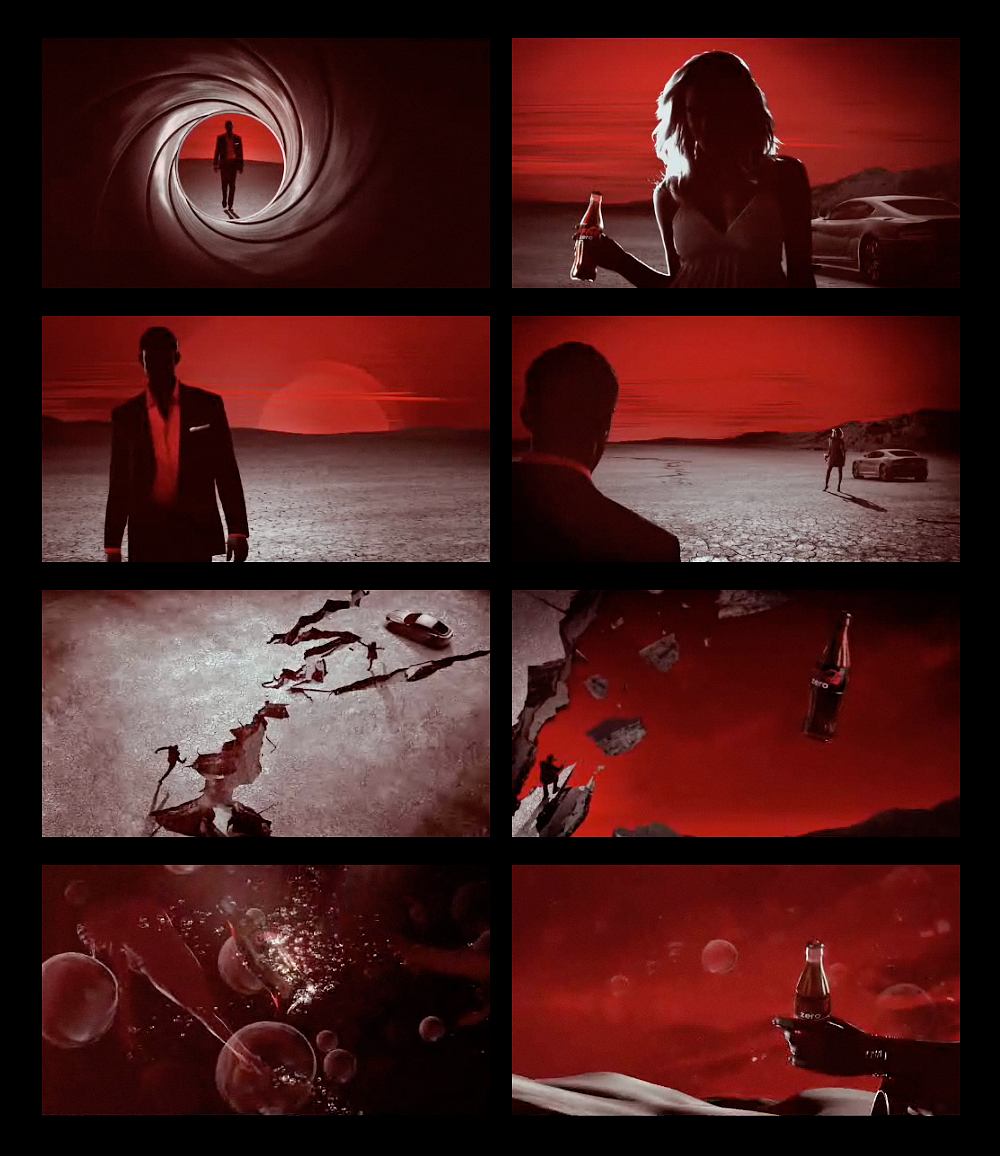
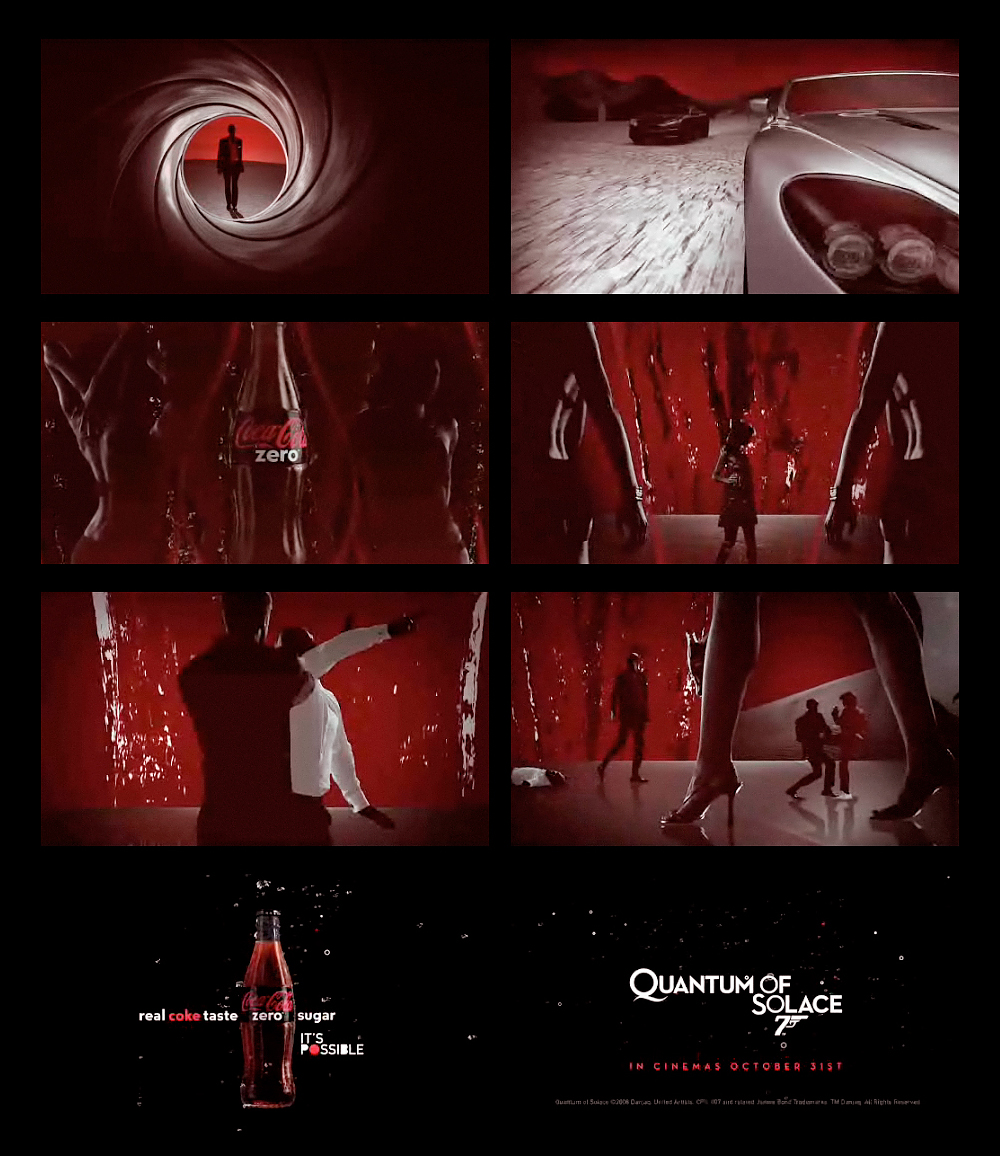
Coke 'Quantum of Solace' Advertising Campaign

This is a brilliant example of a global advertising campaign that crosses a variety of media platforms and works with synergy to promote both the film and the product - Coke Zero.

This is a super website with further examples:
http://www.blogger.com/goog_558078167


Latvian Version of the Cinema Advert


Coke Zero Zero Seven in Quantum of Solace ad


Monday, 31 October 2011

Saturday, 29 October 2011

Friday, 28 October 2011

Year 11 Media Studies - Assignment 3

I hope you have all had a wonderful half-term break. When you return on Monday, we will commence with your FINAL coursework project: Assignment 3 - Advertising and Marketing. I will be posting lots of examples and useful resources here to support you with the project. I wish you lots of luck with the project and very much hope that you will seize the opportunity to make a fantastic cross-media advertising campaign for an issue that you are passionate about.

Here is a brilliant 'Industry' website link for 'Campaign', one of the industry magazines:

http://www.campaignlive.co.uk/


This is an interesting social issue advert for a French charity LICRA which works to fight against racism:


LICRA "NEW WEAPON" VA 60" from Lauren Weber on Vimeo< /a>.

Barnardos TV Adverts:

Break the cycle from Barnardo's on Vimeo.


Barnardo's Turn Around TV advert - July 2010 (60 seconds) from Barnardo's on Vimeo.

Thursday, 6 October 2011

Year 10 Creative Media BTEC

Introduction
I am going to be a little bit late to your lesson today and Ms Whittaker has very kindly agreed top start you off! You are making a 'Mini-Me' poster today which is an assessment and will assess your skills in :

1. setting up a page in Photoshop
2. importing an image from the Internet
3. cutting out (using lasso tools)
4. transforming and re-sizing images to scale
5. using layers

You should have the following with you on a memory stick:

a. A Background image
b. A photo/photos of yourself that you will miniaturise

Activity: Celebrity Head Swap


 As a warm-up activity, find two celebrity photographs in Google; paste them into a new page in Photoshop (19cm X 29cm: 300 pixels/inch) and using the lasso tools, cut out and swap their heads. Now cut out their bodies to remove any background. They are now ready to put onto a background which you can import. You have 20 Minutes to create a celebrity masterpiece!